Team Management: Invite Your Team & Work Together
Redreach now supports full team management, so everyone on your team can get their own seat, their own notification preferences, and their own dashboard view.
Here are the details:
👥 Invite and Manage Team Members
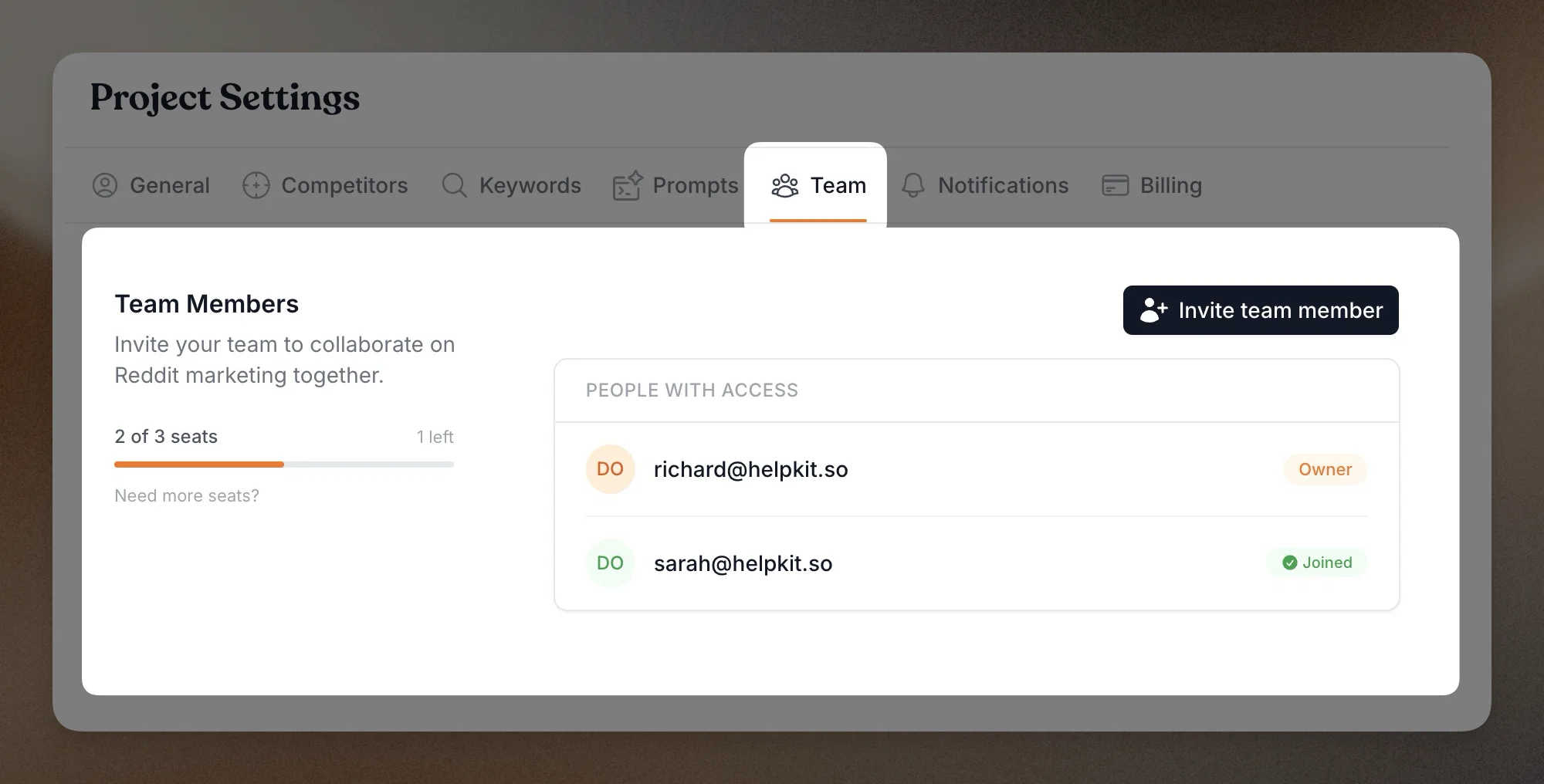
From your project settings, invite teammates by email. They'll get an invite link, create their own account (or log in with an existing one), and land directly inside your project. No credential sharing, no "who changed that setting?" confusion.
🔔 Individual Notification Preferences
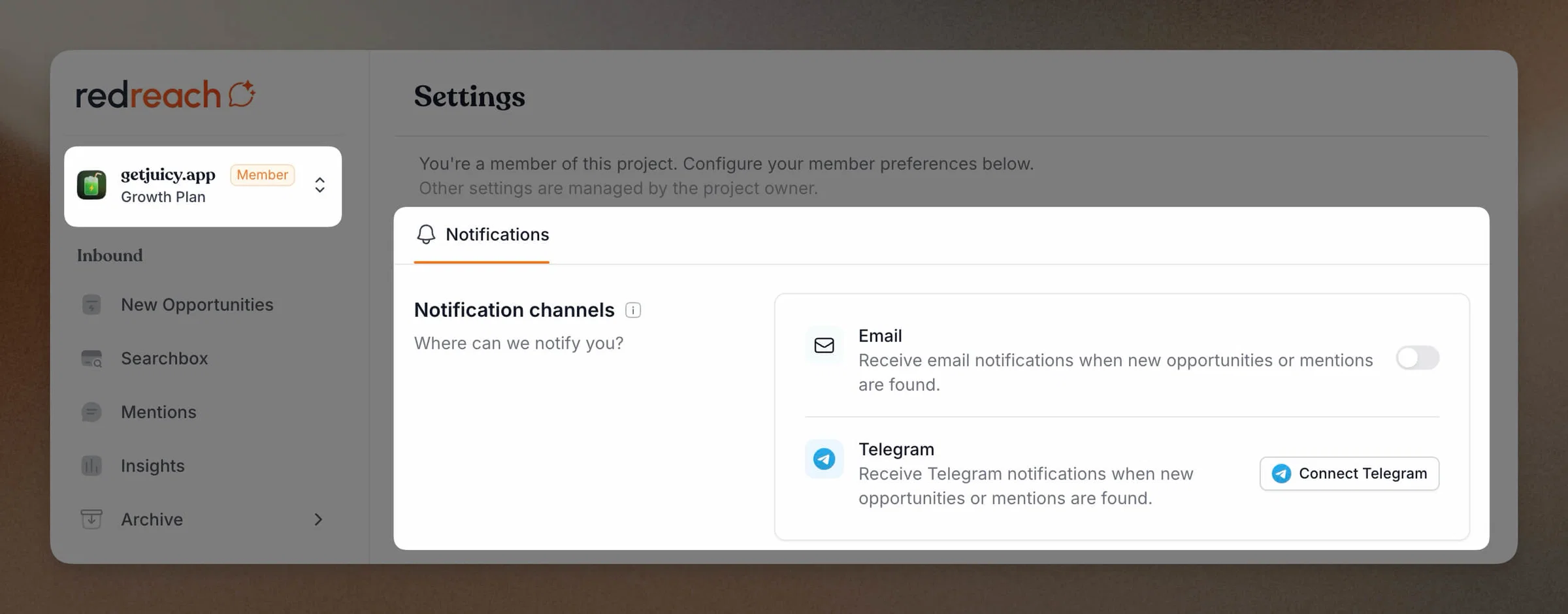
Each team member controls their own notification channels. One person might want Telegram alerts, another prefers email only. Everyone stays informed on their own terms without cluttering anyone else's inbox.
🔒 Owner Controls
As the project owner, you keep full control. View all members, manage access, and remove anyone who no longer needs it. Your project settings, billing, and keywords remain under your account.
💺 Need More Seats?
Every plan includes a set number of team seats. If your team is growing beyond what your current plan offers, just reach out to us and we'll work something out. We're happy to accommodate larger teams.
Head to Settings > Team to start inviting. As always, we'd love to hear your feedback. Happy Reddit marketing! 🎉